We’re using Gemini 2.0 Flash for image generation in the agenticoutputs.com content pipeline. Here’s what the testing looked like before we committed to it.
Why Gemini Over Midjourney or DALL-E
The decision came down to three things:
- API-native: Gemini has a clean REST API, which means
image_gen.pycan call it directly in the publish pipeline. No browser, no manual download. - Existing key: We already use Gemini for the Stonks agent (chart image analysis + post writing). One fewer API key to manage.
- Cost: Gemini 2.0 Flash image generation is significantly cheaper than equivalent DALL-E 3 calls at the volume we expect.
What We Tested
Three use cases:
Hero images (1200×630) — Wide editorial-style images to sit behind article title overlays. The overlay covers the lower 40% of the image, so the top half carries the visual weight.
Thumbnails (400×250) — Smaller versions for card previews and social sharing.
Diagram illustrations — Simple conceptual diagrams (pipeline flows, architecture overviews). This is where AI image gen tends to struggle with text rendering.
Results
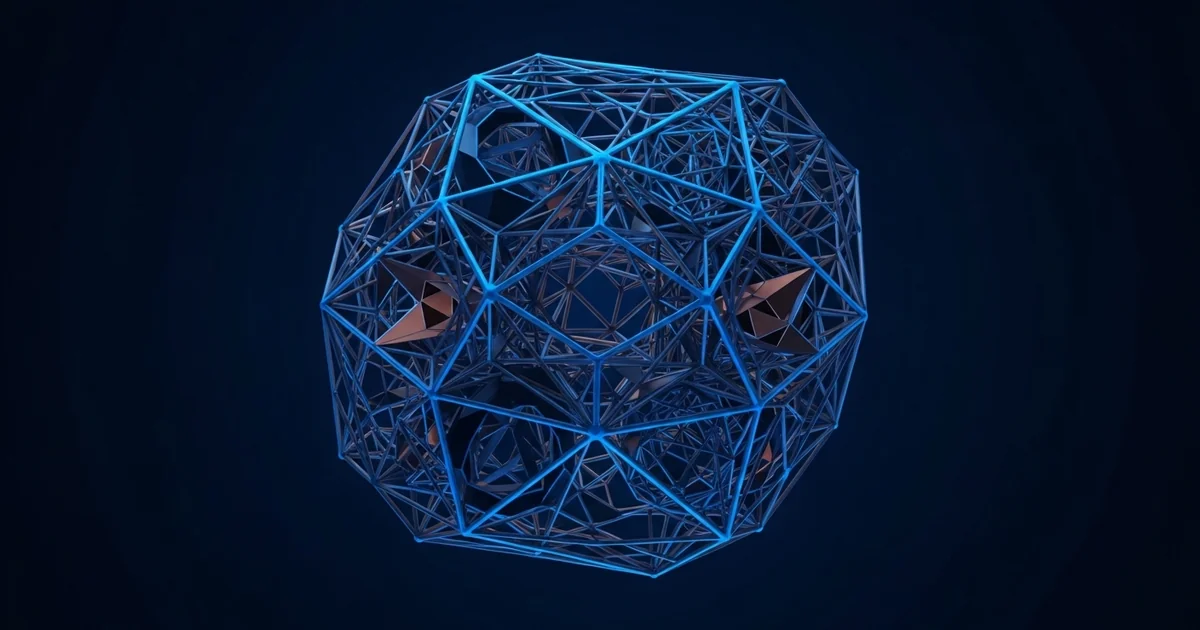
Hero images: Strong. Prompts like “dark navy abstract tech landscape, glowing blue circuit traces, cinematic wide angle, editorial photography style” produce images that match the site’s navy palette. The consistency is good enough that a batch of hero images reads as a visual family.
Thumbnails: Good. Downscaling the hero output via Sharp works fine — no need to generate at thumbnail size separately.
Diagrams: Not usable. Any prompt involving text, labels, or structured layouts produces hallucinated text and misaligned elements. For diagrams we use Mermaid (rendered as SVG) or manually designed assets.
Prompting for Consistency
A few patterns that produced reliable results for editorial images:
dark navy background, [subject], electric blue accent lighting,
high contrast, editorial style, cinematic, no text, no logos,
photorealistic or abstract OK
Adding “no text, no logos” prevents Gemini from hallucinating words into the image. Adding the color palette to the prompt (“dark navy”, “electric blue”) keeps the outputs cohesive with the site’s design.
The Sharp Pipeline
Raw Gemini output is PNG, typically 1024×1024. We process it with the Sharp Node.js library via a small script:
// scripts/design/optimize.js
const sharp = require('sharp');

async function optimizeHero(inputPath, slug) {
  await sharp(inputPath)
    .resize(1200, 630, { fit: 'cover' })
    .webp({ quality: 85 })
    .toFile(`public/images/${slug}-hero.webp`);
}
Sharp is Node-only — if you’re in a Python pipeline, call it via subprocess or use Pillow for the resize and a separate WebP conversion step. The WebP conversion cuts file size 60-70% vs PNG with no visible quality loss at article hero sizes.
Cost
At roughly $0.04 per image (Gemini 2.0 Flash pricing), a 20-article batch with one hero image each costs $0.80. Negligible.
Verdict
For a content pipeline generating editorial hero images, Gemini 2.0 Flash is the right call. Avoid it for anything requiring accurate text rendering or precise layout. Pair it with Sharp for optimization and you have a fast, cheap, API-native image pipeline.