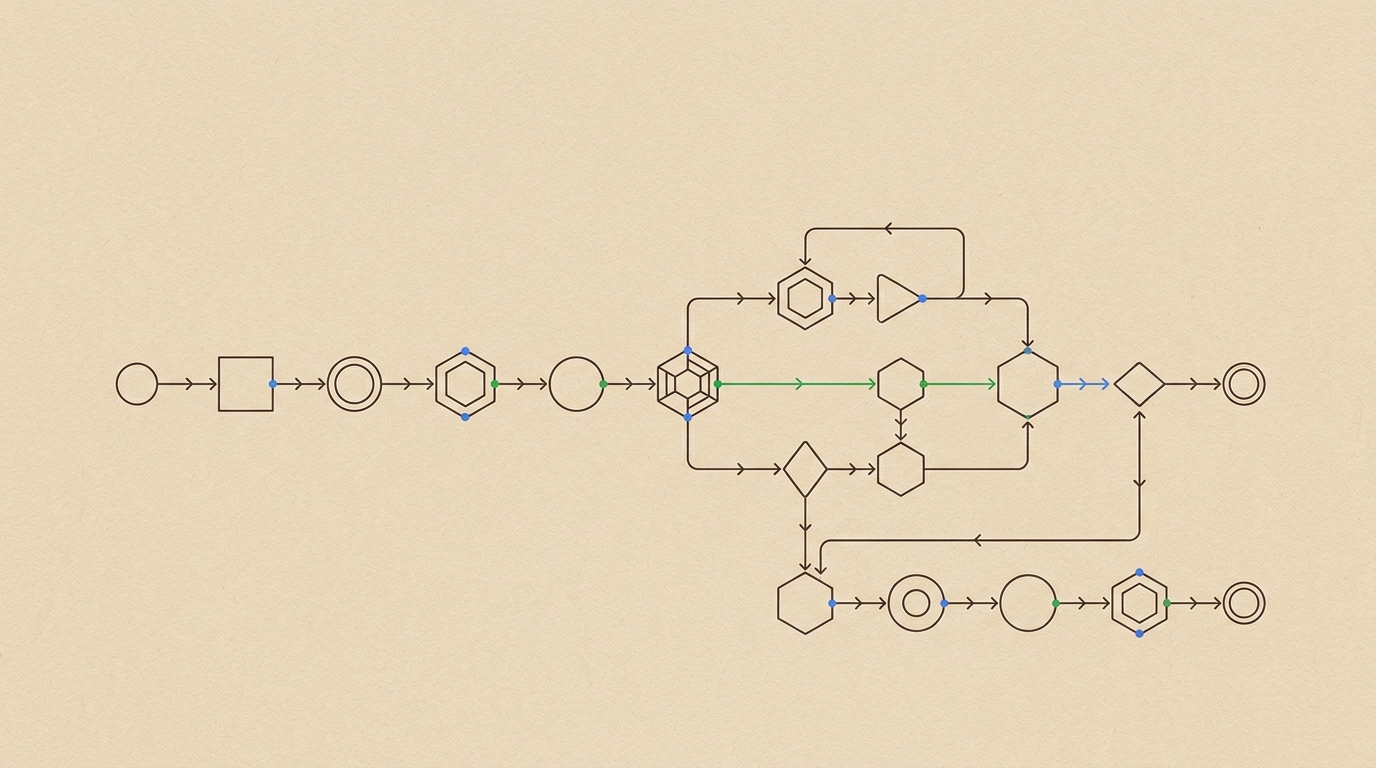
Your new lead fills out a form, and seconds later, they’re not just in your CRM. A personalized welcome email is drafted and a discovery call is on your calendar, all without human intervention. This isn’t just about connecting apps; it’s Google’s new reality, where user-facing AI and developer-built agents are finally converging inside your Workspace.
Two Tools, One Ecosystem
Google is running two parallel plays for automation, and the biggest mistake is conflating them. They are different tools for different jobs.
First is AI Mode App Linking. This is the user-facing, no-code feature for ad-hoc tasks. Google’s own blog describes it as the ability to “securely link and interact with your go-to services directly in AI Mode.” Think of it as a conversational interface for your existing apps.
Second is Gemini API Managed Agents. This is the developer play. It’s a configurable agent harness for building persistent, complex workflows that run in the background. This is where the real business automation happens. The two operate within the same Google ecosystem, but one is about user commands and the other is about autonomous processes.
The No-Code Entry Point: AI Mode App Linking
Before diving into the developer tools, it’s important to understand the ceiling of the no-code approach. For a business user, App Linking solves immediate, in-the-moment problems. You can connect services like Gmail, Calendar, and Drive, then issue natural language commands.
For example: “Summarize my last three emails from Acme Corp about Project Phoenix and draft a reply asking for the latest timeline.”
This works by granting Gemini temporary access to the specified service. The user controls permissions on a per-service basis, and Google has clarified this interaction data is not used for ad targeting. It’s a direct command-and-response loop. It can pull data from YouTube Music or add items to an Instacart order, but for a business, its value is in quickly querying and acting on information already inside Workspace. It’s useful, but it’s not an autonomous system.
The Developer Play: Managed Agents
This is where things get interesting for builders. Managed Agents are not just a better API. They are a new architectural primitive for automation inside Google’s ecosystem. Three new features make this a significant leap over previous tools.
Background Execution
This is the most critical feature. Your agent can run persistently without an active user session. It can be configured to monitor a trigger, like a new email arriving with a specific label or a new row appearing in a Google Sheet. This transforms the agent from a request-response tool into an always-on process. It functions like a daemon or a service, waiting for an event to kick off a workflow.
Remote MCP Server Integration
Agents can connect to your business’s private data and internal APIs, not just public endpoints. This is handled via Google-managed Model Context Protocol (MCP) servers. The architecture allows your agent to securely access proprietary data sources and internal tools that are not exposed to the public internet. This is a massive change from webhooks and public APIs. You can give your agent access to your actual business logic.
Custom Function Calling
Your agent can invoke your own code. Using the Agent Development Kit (ADK) on Google Cloud, you define custom functions that the agent can call as part of its workflow. This could be an internal update_crm function or a script to generate a custom report. You define the agent’s capabilities in versionable files, typically AGENTS.md for instructions and SKILL.md for tool definitions.
AGENTS.md:
# agent/lead-processor

## instructions
You are an automated sales development assistant. When a new email with the label "New Website Lead" is detected, your goal is to parse the lead's information, add them to the "Leads" Google Sheet, and draft a personalized reply using available calendar slots.SKILL.md:
# skill/sales-tools

## tools
- crm.update_lead(name: string, company: string, needs: string)
- calendar.find_open_slots(duration_minutes: int, count: int)
- gmail.draft_reply(to: string, subject: string, body: string)
This stack: the Gemini API, the ADK, and Google Cloud, lets you build and deploy stateful, long-running agents that integrate directly with your company’s operational code.
A Real Workflow: Automating a Sales Funnel
Let’s walk through the lead-response scenario from the opening. This is not a hypothetical. It’s a production workflow you can build today.
- Trigger: A Managed Agent with Background Execution enabled is configured to monitor a specific Gmail label:
New Website Lead. - Parse: When a new email gets that label, the agent activates. Using Gemini 2.5 Flash for speed and cost, it parses the email body to extract the lead’s name, company, and stated needs.
- Record: The agent uses Custom Function Calling to invoke a Google Apps Script function. This function,
crm.update_lead, writes the extracted information as a new row in a designated Google Sheet that acts as a lightweight CRM. - Respond: The agent then calls another custom function,
calendar.find_open_slots, to get three 30-minute availability slots from your Google Calendar for the next 48 hours. It uses this data to have Gemini 2.5 Pro draft a personalized, human-like email to the lead, offering those specific times to connect. The draft is saved in your Gmail drafts folder for a final one-click review. - Schedule: Once the lead replies and confirms a time, a separate rule or a more advanced agent can parse the confirmation, create the Calendar event, and send the official invitation.
This entire sequence happens in under a minute. But this isn’t a point-and-click setup. Integrating custom functions with Apps Script or your own backend requires real development. You are writing, testing, and maintaining code. The payoff is an automation that runs entirely within your own infrastructure, not a third-party service, giving you full control over the logic and data.
Related
- Build Multi-Step AI Agents in Google AI Studio with Gemini 3.5
- n8n vs Make vs Zapier for Agentic Workflows in 2026
The point isn’t that either App Linking or Managed Agents are revolutionary in isolation. The point is that Google has built a single ecosystem where a non-technical team member can summarize emails and a developer can deploy a persistent sales agent, both operating on the same underlying Workspace data. That unified foundation is the real opportunity.